Password & Security
Manage your Kanman account security, including password and sessions.
Keep your Kanman account secure with strong passwords and session management.
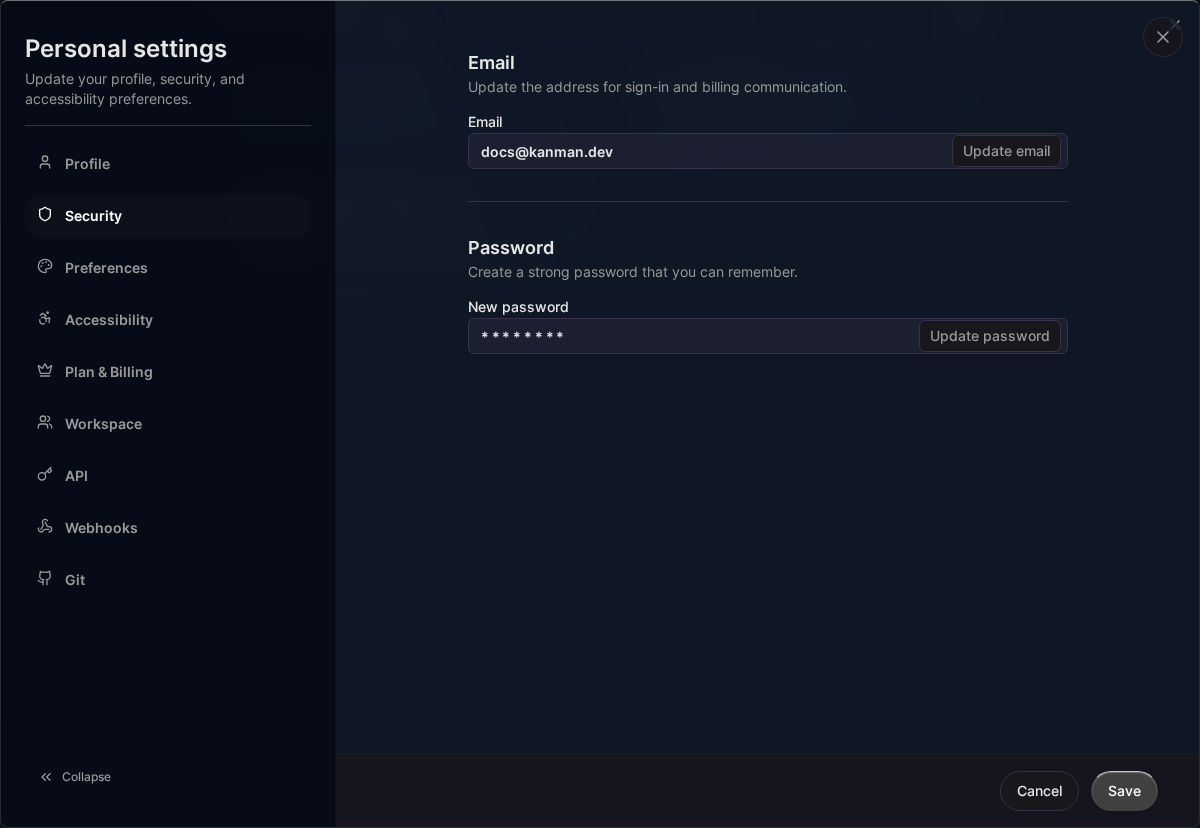
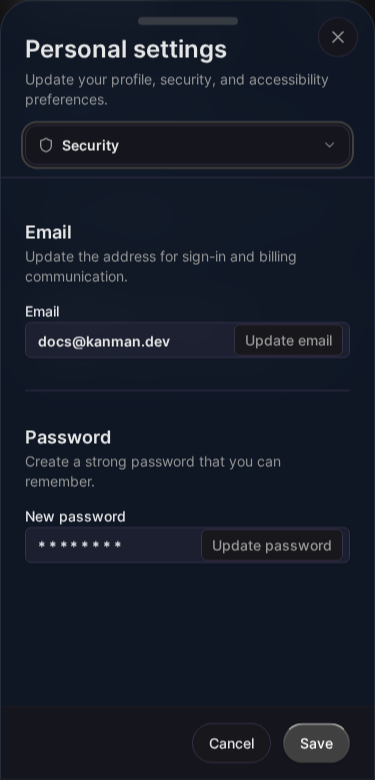
Password
Changing Your Password
- Go to Settings > Security
- Click Change Password
- Enter current password
- Enter new password (twice)
- Click Update
Password Requirements
Your password must:
- Be at least 8 characters
- Not be a commonly used password
- Not be the same as your email
We recommend:
- 12+ characters
- Mix of letters, numbers, symbols
- Using a password manager
Forgot Password
If you can’t sign in:
- Go to app.kanman.de
- Click Forgot Password?
- Enter your email
- Check email for reset link
- Click link and set new password
Reset links expire after 1 hour.
Sessions
Active Sessions
View where you’re signed in:
- Go to Settings > Security
- See Active Sessions
Each session shows:
- Browser and device
- Location (approximate)
- Last activity time
- Current session marker
Signing Out Other Sessions
To sign out everywhere except current device:
- Go to Settings > Security
- Click Sign Out All Other Sessions
- Confirm
This invalidates all other sessions immediately.
Signing Out Everywhere
To sign out on all devices including current:
- Go to Settings > Security
- Click Sign Out Everywhere
- You’ll be redirected to sign-in
Two-Factor Authentication (2FA)
Coming Soon: Two-factor authentication is planned for a future release.
When available, 2FA will support:
- Authenticator apps (TOTP)
- Recovery codes
API Token Security
Best Practices
- Use minimal scopes: Only grant needed permissions
- Set short expiration: Don’t use max 365 days unless necessary
- Rotate regularly: Create new tokens periodically
- Revoke unused: Delete tokens you no longer need
Managing Tokens
- Go to Settings > API Tokens
- View all tokens and their last use
- Revoke suspicious or unused tokens
See API Authentication for details.
Account Activity
Sign-In History
View recent sign-in attempts:
- Go to Settings > Security
- See Recent Activity
Shows:
- Successful sign-ins
- Failed attempts
- Password changes
- New device sign-ins
Suspicious Activity
If you see activity you don’t recognize:
- Change your password immediately
- Sign out all other sessions
- Review and revoke API tokens
- Check connected integrations
Data Protection
Encryption
- All data encrypted in transit (TLS 1.3)
- Data encrypted at rest
- Passwords hashed with bcrypt
Privacy
- We don’t sell your data
- Minimal data collection
- GDPR compliant
- See Privacy Policy
Security Recommendations
Do
- ✅ Use a strong, unique password
- ✅ Use a password manager
- ✅ Sign out on shared devices
- ✅ Review sessions regularly
- ✅ Keep email address current
Don’t
- ❌ Reuse passwords from other sites
- ❌ Share your password
- ❌ Stay signed in on public computers
- ❌ Ignore suspicious activity alerts
- ❌ Share API tokens
Reporting Security Issues
If you discover a security vulnerability:
- Email: [email protected]
- Include detailed description
- Don’t share publicly until fixed
We appreciate responsible disclosure.
Related Topics
- Profile - Account settings
- API Authentication - Token security
- Billing - Account access
Last updated: January 1, 0001
Try Kanman