Quotas & Limits
Understand Kanman's usage quotas, limits, and how to manage them.
Kanman has quotas to ensure fair usage and system stability. This guide explains all limits and how to manage them.
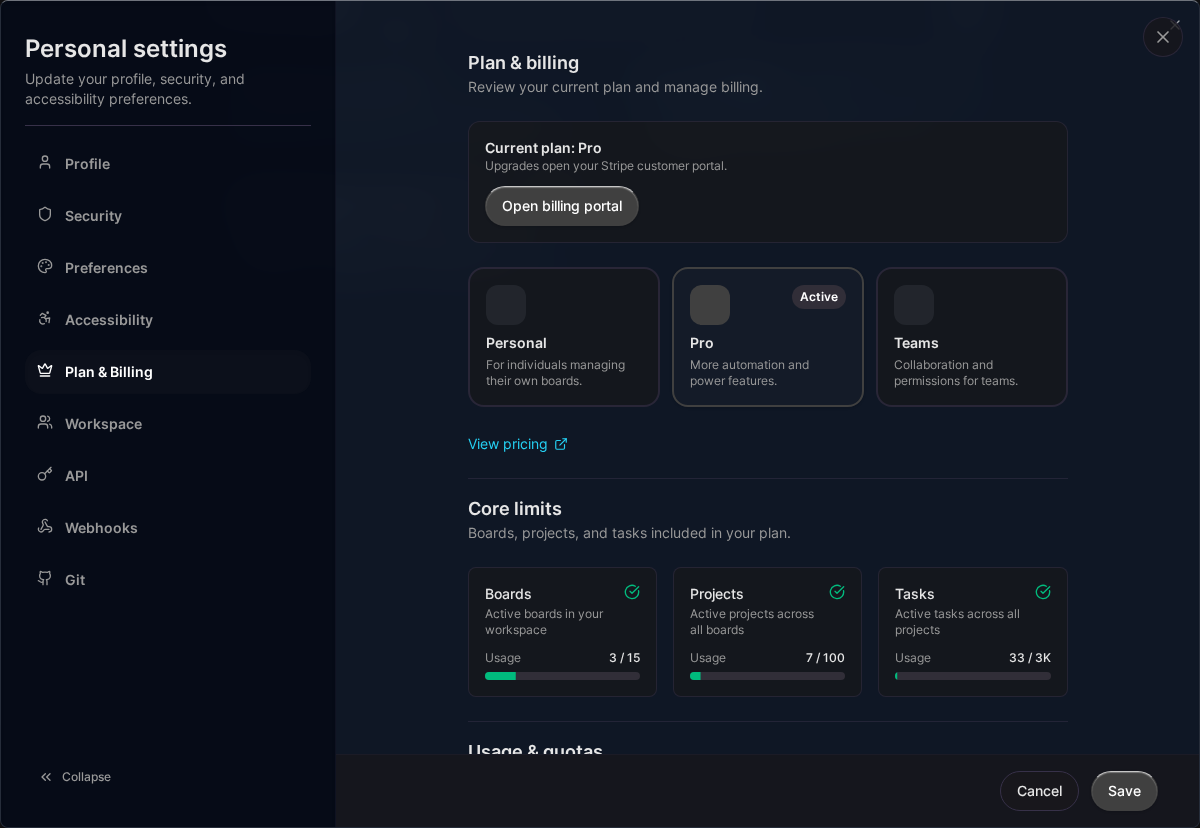
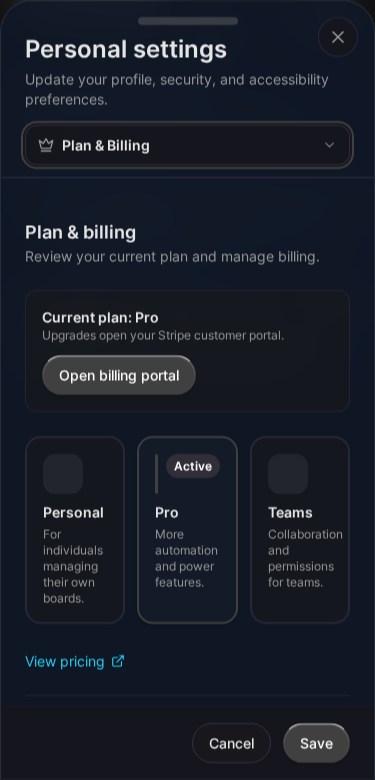
Quota Types
Core Quotas
Resources you create and store:
| Resource | Personal | Pro | Teams |
|---|---|---|---|
| Boards | 5 | 15 | 50 |
| Projects | 25 | 100 | 500 |
| Tasks | 500 | 2,500 | 10,000 |
Core quotas count active (non-deleted) items only.
Pro Feature Quotas
Additional limits for Pro features:
| Resource | Personal | Pro | Teams |
|---|---|---|---|
| API Tokens | 0 | 5 | 20 |
| Webhooks | 0 | 5 | 20 |
| Git Integrations | 0 | 2 | 10 |
| Linked Repositories | 0 | 4 | 20 |
Time-Based Quotas
Reset monthly (first of each month):
| Resource | Personal | Pro | Teams |
|---|---|---|---|
| API Calls | 0 | 12,000 | 60,000 |
| Webhook Deliveries | 0 | 12,000 | 60,000 |
Viewing Your Quotas
In Settings
- Go to Settings > Quotas
- View all quotas and current usage
- See percentage used for each
Via API
Check headers on API responses:
X-RateLimit-Limit: 12000
X-RateLimit-Remaining: 11500
X-RateLimit-Reset: 2024-02-01T00:00:00Z
When You Hit a Limit
Core Quotas
When you reach a core quota:
- Can’t create new items of that type
- Existing items still work
- Prompted to upgrade or delete items
Time-Based Quotas
When you reach monthly limits:
- API calls return
429 Too Many Requests - Webhooks aren’t delivered
- Reset on first of next month
Managing Quotas
Strategies
- Delete unused items: Clear out old boards/projects/tasks
- Use trash wisely: Items in trash don’t count
- Upgrade plan: Get higher limits
- Purchase top-ups: Add specific quotas
Deleting to Free Quota
- Go to the items you want to remove
- Delete them (moves to trash)
- Quota is freed immediately
Items in trash don’t count toward quotas.
Quota Top-Ups
Purchase additional quota beyond your plan:
| Top-Up | Amount | Type |
|---|---|---|
| API Tokens | +10 | One-time |
| Webhooks | +10 | One-time |
| API Calls | +10,000/month | Subscription |
| Webhook Deliveries | +5,000/month | Subscription |
Purchasing Top-Ups
- Go to Settings > Subscription
- Find Quota Add-Ons
- Click Add next to the quota
- Complete checkout
Managing Top-Ups
View active top-ups:
- Go to Settings > Subscription
- See Active Add-Ons section
Cancel recurring top-ups:
- Open billing portal
- Cancel the specific subscription
Effective Quotas
Your effective quota is:
Base Plan Limit + Purchased Top-Ups = Effective Quota
Example:
- Pro plan: 12,000 API calls
- Top-up: +10,000 API calls
- Effective: 22,000 API calls/month
Quota Warnings
In-App
You’ll see warnings when:
- Approaching 80% of a quota
- At 90% of a quota
- At 100% of a quota
Email Notifications
Optional emails for:
- Reaching 90% of monthly quotas
- Reaching 100% of any quota
Configure in Settings > Notifications.
Plan Comparison
| Quota | Personal | Pro | Teams |
|---|---|---|---|
| Boards | 5 | 15 | 50 |
| Projects | 25 | 100 | 500 |
| Tasks | 500 | 2,500 | 10,000 |
| API Tokens | 0 | 5 | 20 |
| Webhooks | 0 | 5 | 20 |
| API Calls/mo | 0 | 12,000 | 60,000 |
| Webhook Deliveries/mo | 0 | 12,000 | 60,000 |
| Git Integrations | 0 | 2 | 10 |
| Linked Repos | 0 | 4 | 20 |
Frequently Asked Questions
Do deleted items count?
No. Items in trash don’t count toward quotas.
When do monthly quotas reset?
First day of each calendar month at 00:00 UTC.
Can I carry over unused quota?
No. Monthly quotas don’t roll over.
What happens if I downgrade?
If you exceed the new plan’s limits, you’ll need to delete items before downgrading.
Related Topics
- Pricing & Plans - Plan limits
- Billing - Purchase top-ups
- Rate Limits - API rate limits
Last updated: January 1, 0001
Try Kanman