Preferences
Customize your Kanman experience with theme, language, accessibility, and auto-archive settings.
Preferences let you customize how Kanman looks and behaves for you.
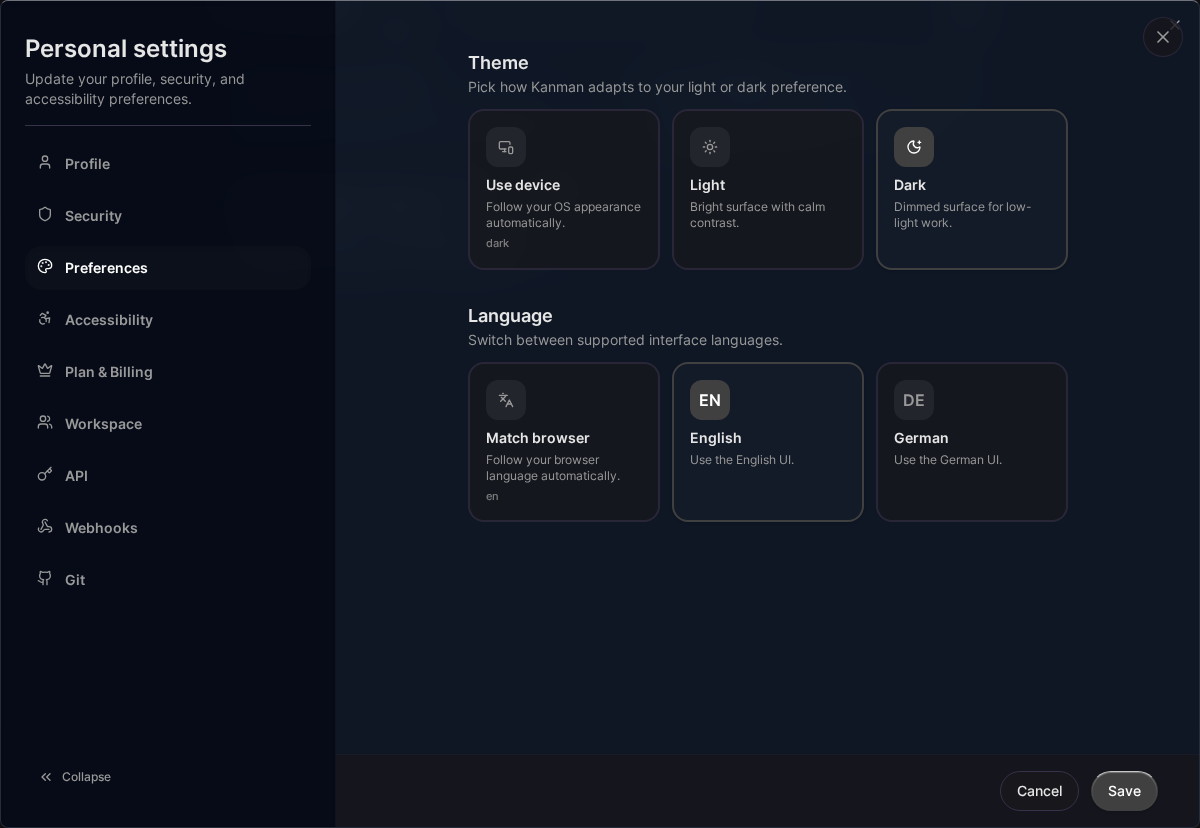
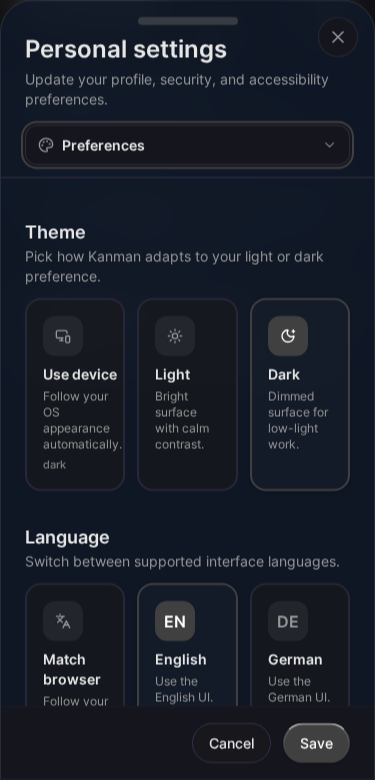
Accessing Preferences
- Click your profile icon in the header
- Select Settings
- Go to Preferences
Or press G then S to jump to Settings.
Appearance
Theme
Choose your visual theme:
| Option | Description |
|---|---|
| System | Matches your OS preference |
| Light | Bright theme with dark text |
| Dark | Dark theme with light text (default) |
Language
Select your preferred language:
| Option | Description |
|---|---|
| English | English interface |
| Deutsch | German interface |
Language changes apply immediately to all UI text.
Accessibility
Reduced Motion
Disable animations for users who:
- Experience motion sickness
- Find animations distracting
- Prefer instant transitions
When enabled:
- Status changes happen instantly
- Modal transitions are instant
- No scroll animations
- No hover effects with movement
High Contrast
Increase visual contrast for:
- Low vision users
- Color blindness
- Bright environments
When enabled:
- Borders are more visible
- Higher contrast ratios
- Bolder interactive elements
Reduced Transparency
Replace translucent elements:
- Removes backdrop blur
- Solid backgrounds instead of transparent
- Improves readability
Text Size
Adjust UI text size:
| Option | Effect |
|---|---|
| Normal | Default size |
| Comfortable | Slightly larger |
| Large | Significantly larger |
Affects navigation, buttons, and labels.
Focus Ring
Customize keyboard focus indicators:
| Option | Effect |
|---|---|
| Default | Standard outline |
| Strong | Thicker, more visible |
Helps keyboard users see focused elements.
Auto-Archive
Enable Auto-Archive
Automatically move completed projects to trash:
- Toggle Auto-archive finished projects on
- Set delay period
Auto-Archive Delay
How long to wait after project reaches 100%:
| Range | Description |
|---|---|
| Minimum | 7 days |
| Default | 30 days |
| Maximum | 365 days |
Projects are archived after this many days without updates.
How It Works
- Project reaches 100% completion
- Delay period starts
- After delay, project moves to trash
- Recoverable for 40 days in trash
Preventing Archive
To keep a completed project:
- Make any update (resets the timer)
- Add an incomplete task
- Disable auto-archive
Saving Preferences
Preferences save automatically when changed:
- Changes apply immediately
- Synced to your account
- Persist across devices/browsers
Default Values
| Preference | Default |
|---|---|
| Theme | System |
| Language | Browser language |
| Reduced Motion | Off |
| High Contrast | Off |
| Reduced Transparency | Off |
| Text Size | Normal |
| Focus Ring | Default |
| Auto-Archive | Off |
| Auto-Archive Delay | 30 days |
Per-Device Settings
Some settings are device-specific:
- Synced: Theme preference, language, accessibility
- Local: Browser zoom, window size
Resetting Preferences
To reset all preferences to defaults:
- Go to Settings > Preferences
- Scroll to bottom
- Click Reset to Defaults
- Confirm reset
Related Topics
- Accessibility - Accessibility features
- Auto-Archive - Automatic cleanup
- Profile - Profile settings
Last updated: January 1, 0001
Try Kanman